A distinctive atmosphere
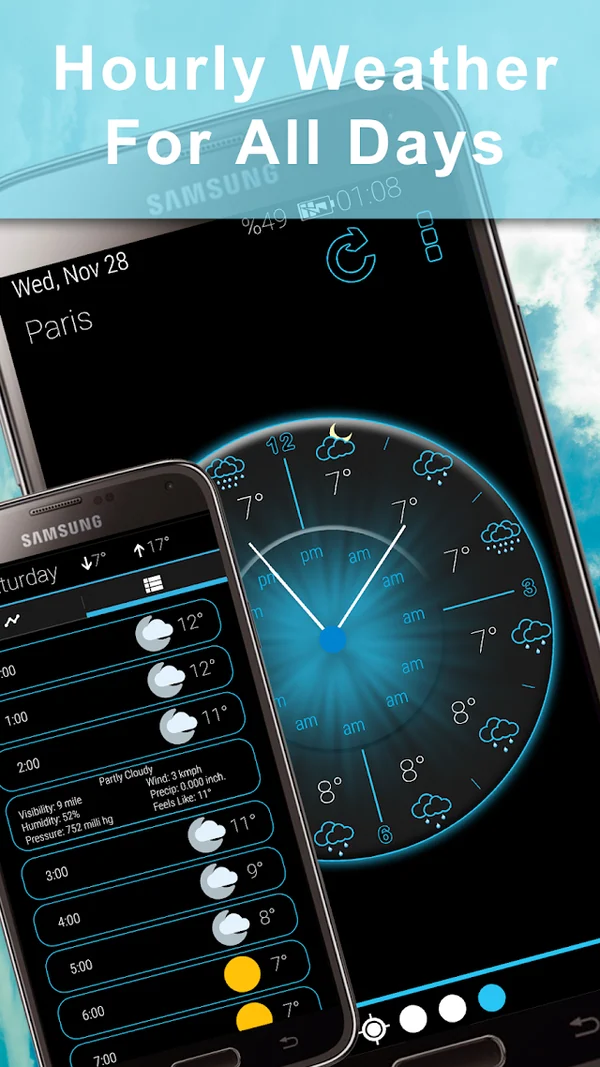
Neon accents and slowly moving stars give everyday weather a luminous setting.
A little neon. A whole new outlook.
A luminous look at your day
Meet your next weather app
A brighter way
to look at your day.
Neon light, a star-filled backdrop and a look you can make your own. Explore forecasts, clocks and weather widgets for Android.

Meet Weather Neon
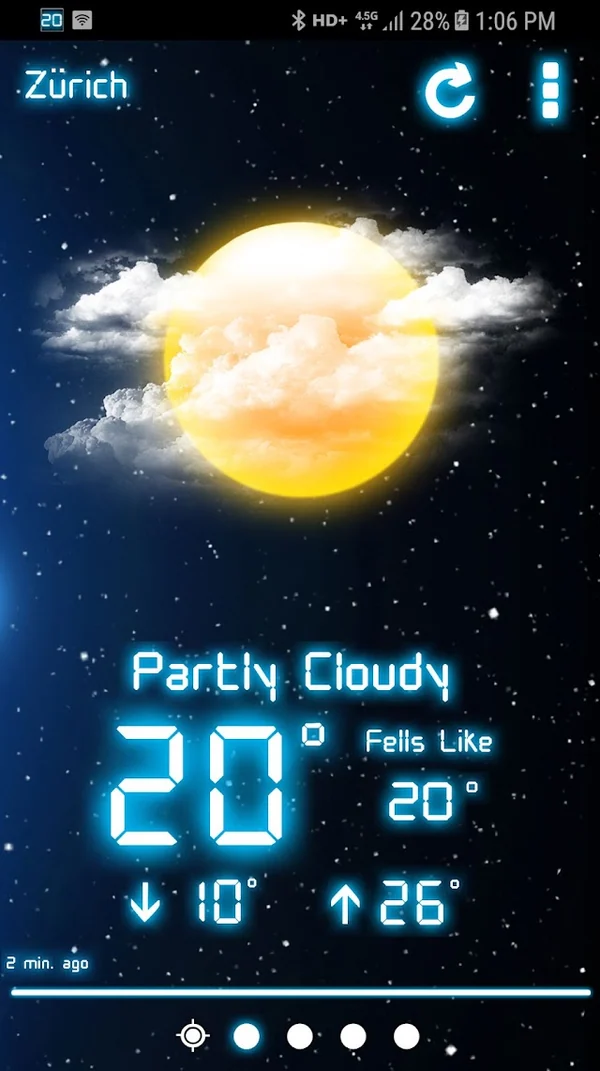
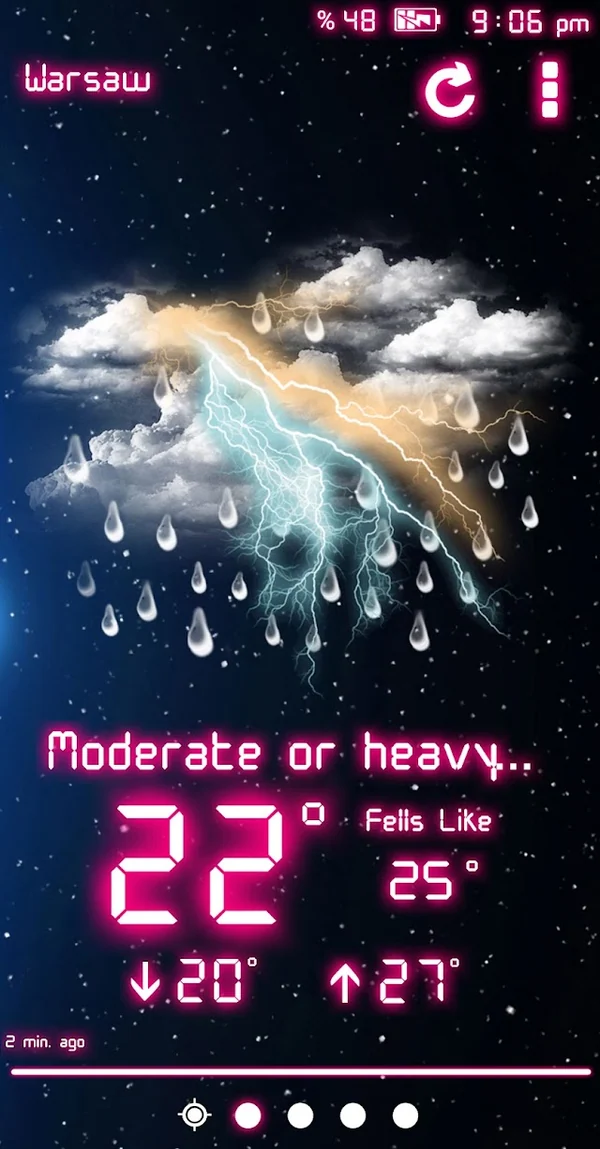
A blue-black sky, luminous weather icons and a look that feels like you. Meet the forecast views and personal touches inside Weather Neon.
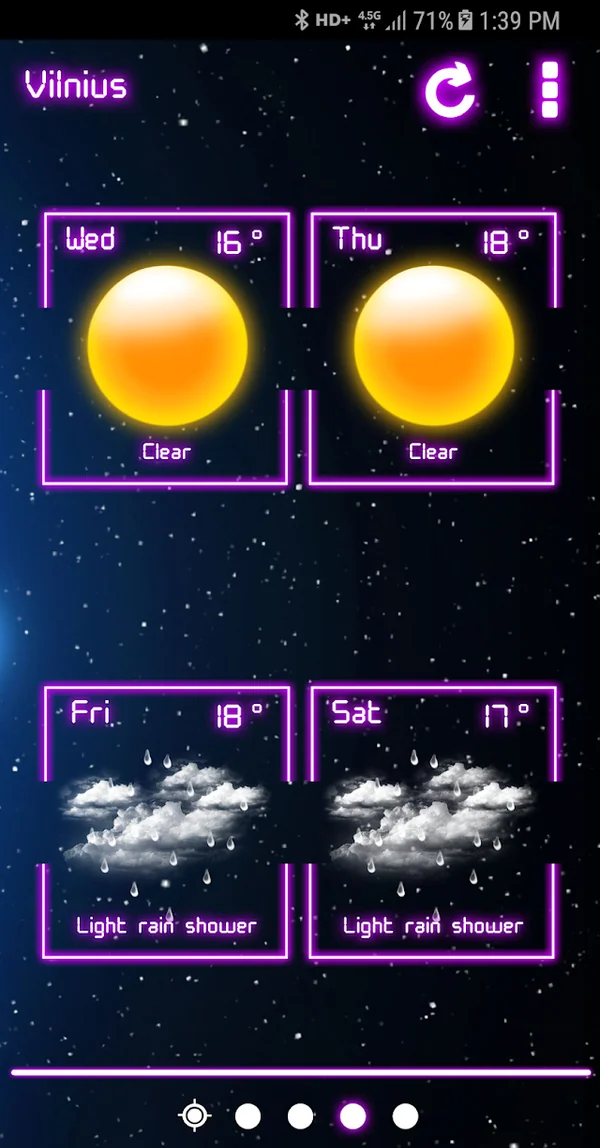
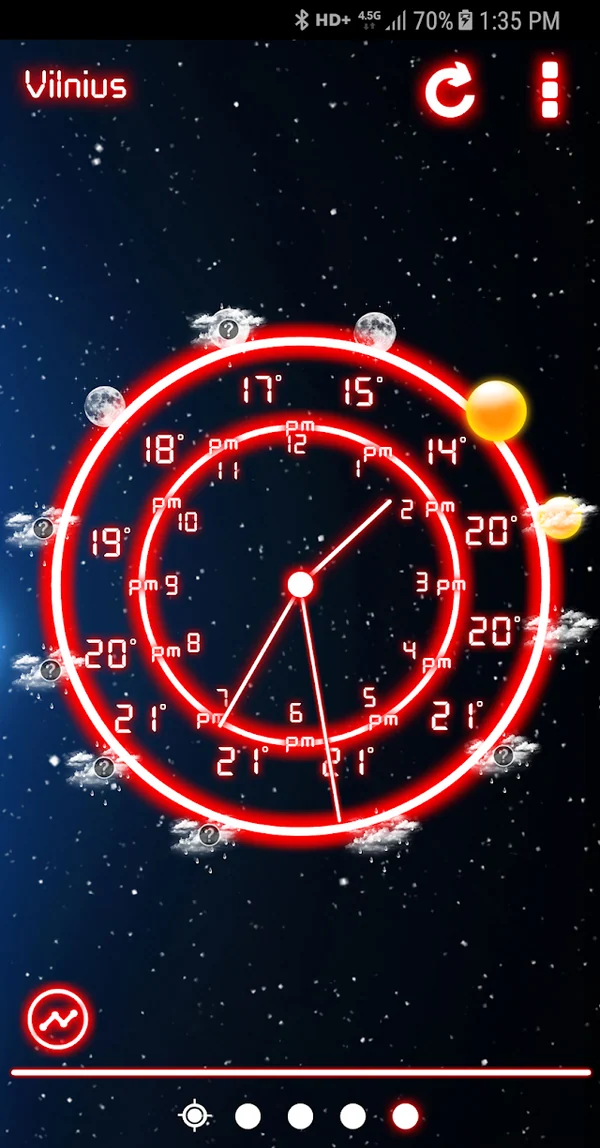
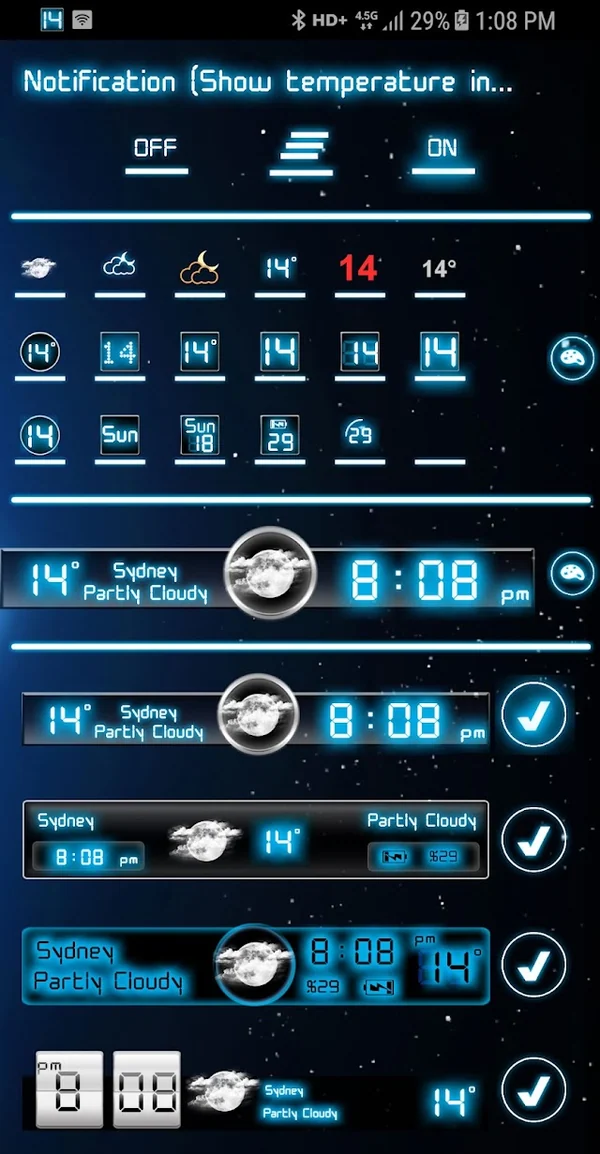
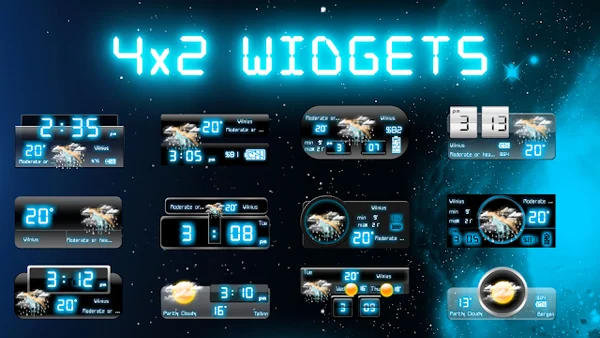
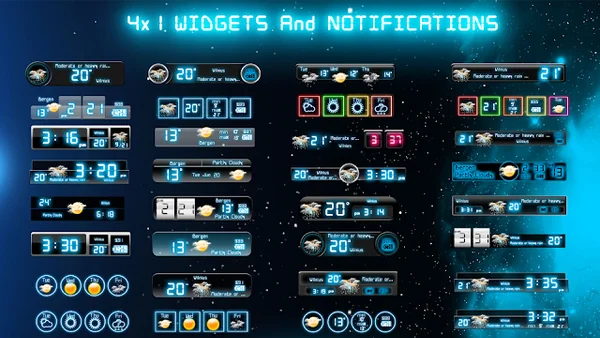
Google Play screenshots for Android. Swipe or use the arrows to explore; select an image to enlarge. Appearance and options can vary by version.
The Android edition
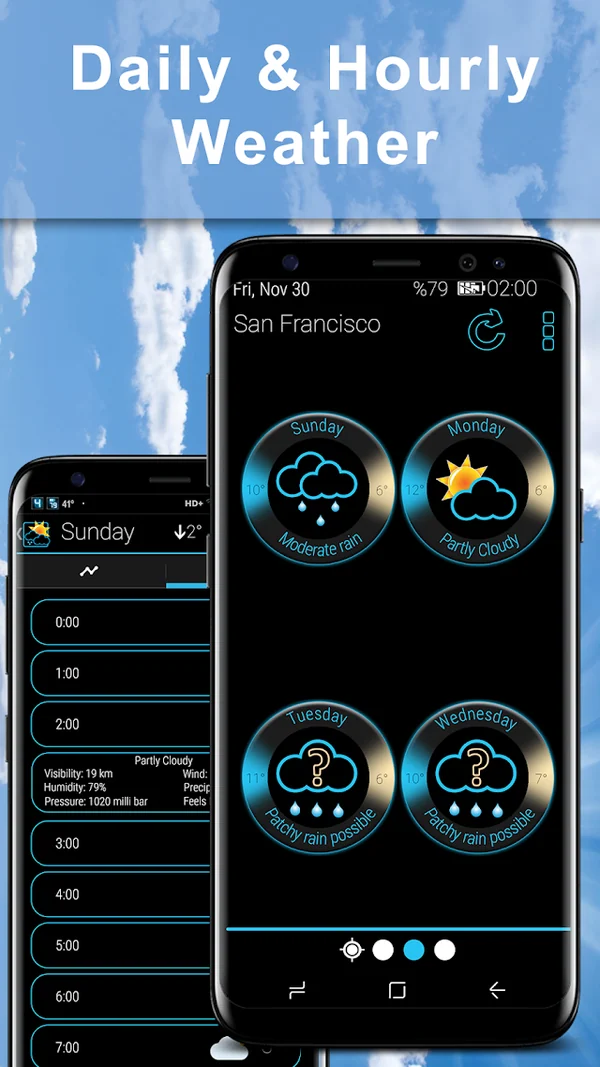
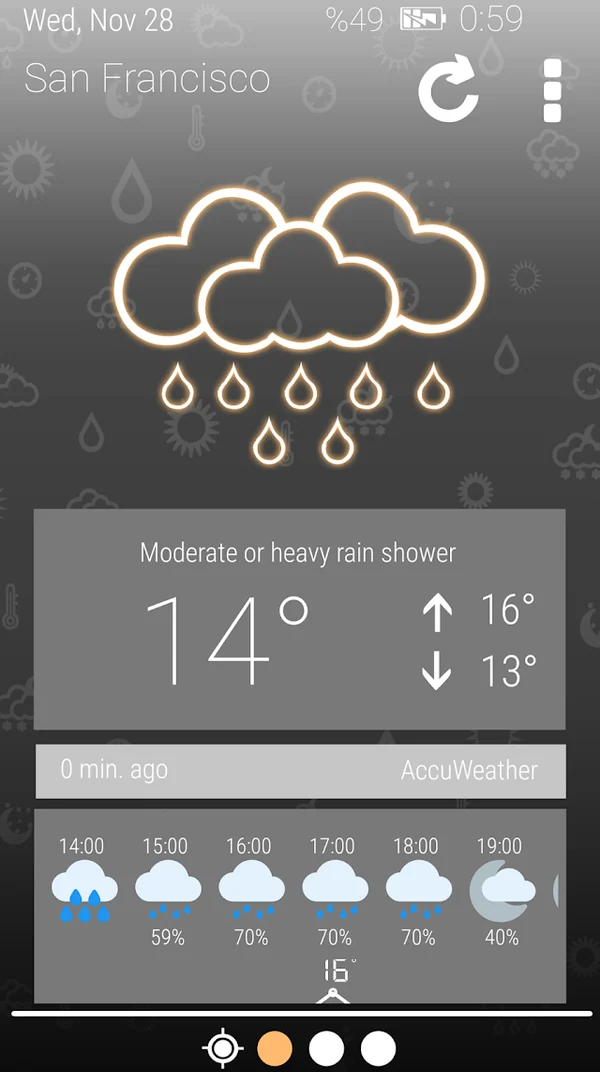
Neon colors and a space-inspired backdrop frame the weather. Switch between saved places, check the forecast and personalize what appears on your home screen.
Neon accents and slowly moving stars give everyday weather a luminous setting.
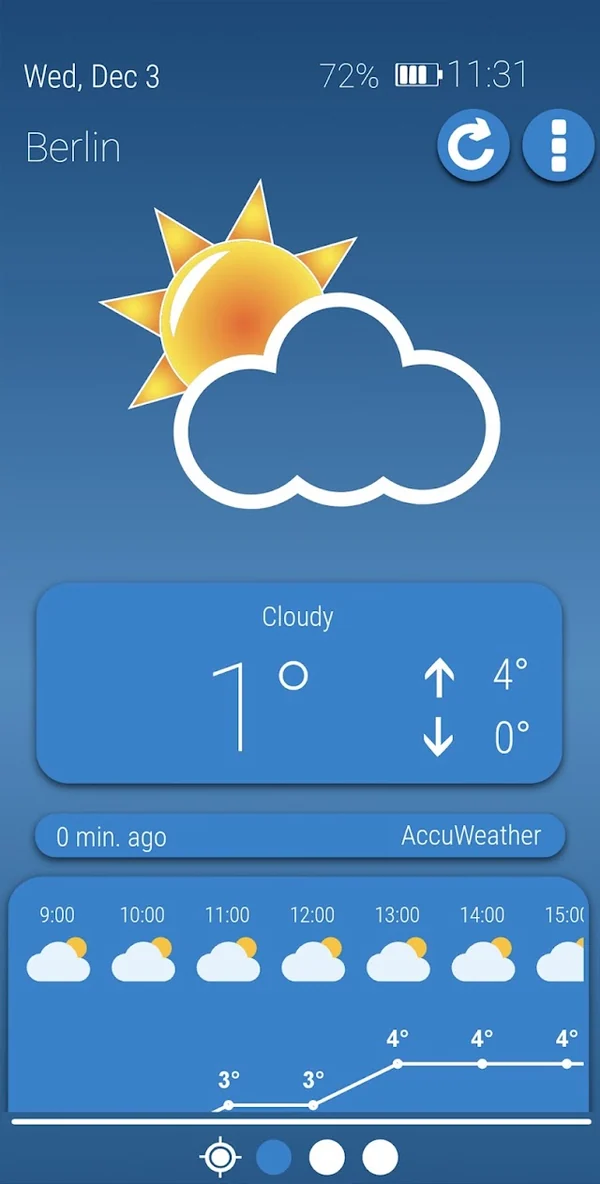
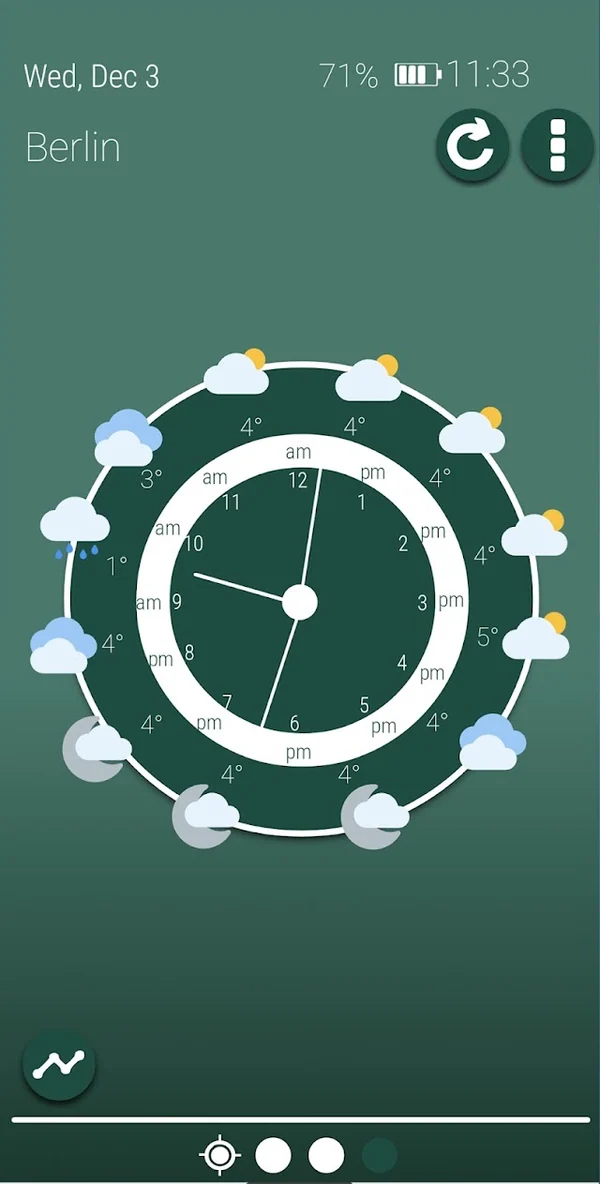
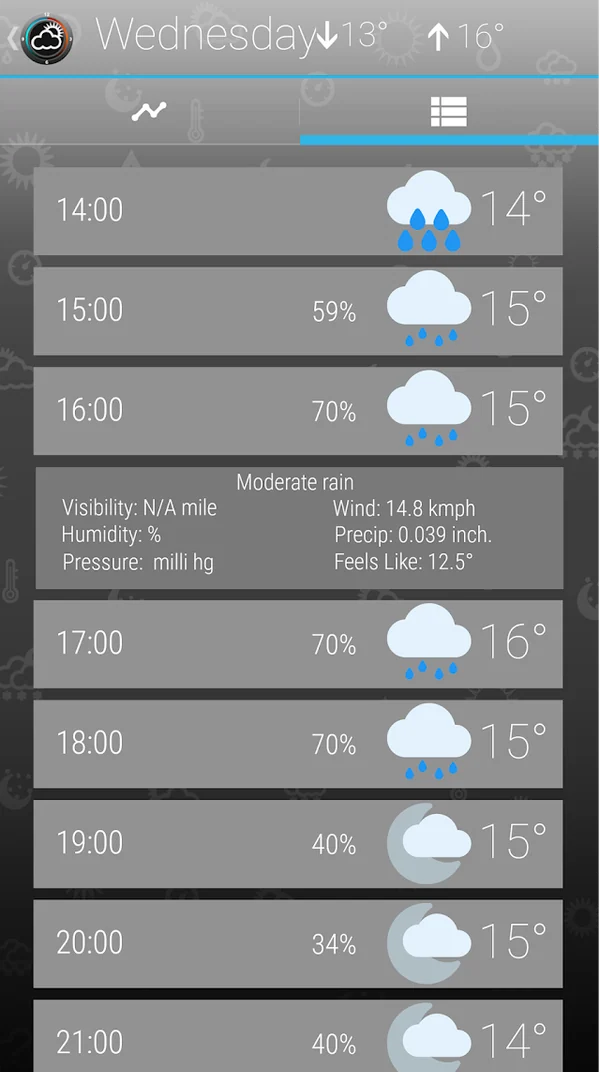
Explore hourly and daily views, track multiple places and check world-clock information.
Choose widget designs, weather notifications and icons to suit your Android setup.
Weather Neon in the MobileRise family
Weather Neon brings luminous colors, weather clocks and a space-inspired look to Android. Explore the official Weather Neon widget gallery to see individual designs, from compact strips to larger panels and square layouts.
Choosing a home-screen layout? The Weather Neon widget layout guide explains how to choose the information and shape that fit your screen.
For a lighter visual style, explore Weather Sky Blue. For an analog forecast clock, compare Weather Rise Clock and Weather Clock.
Before you download
Use the Google Play badge on this page to open the official Android listing for Weather Neon, published by MobileRise.
Install and open the Android app, then use your phone's home-screen widget picker to find it. Available widget styles and resizing depend on the app version and your launcher. Follow the Android weather widget guide.
Start by opening the app to compare the location and forecast, then review connectivity and app background settings. Work through the widget troubleshooting guide.
Make the most of your forecast
Choose a home-screen view, get a widget working again, or understand why forecasts differ.
A world by MobileRise
Different looks. Different ways to make the forecast part of your day.
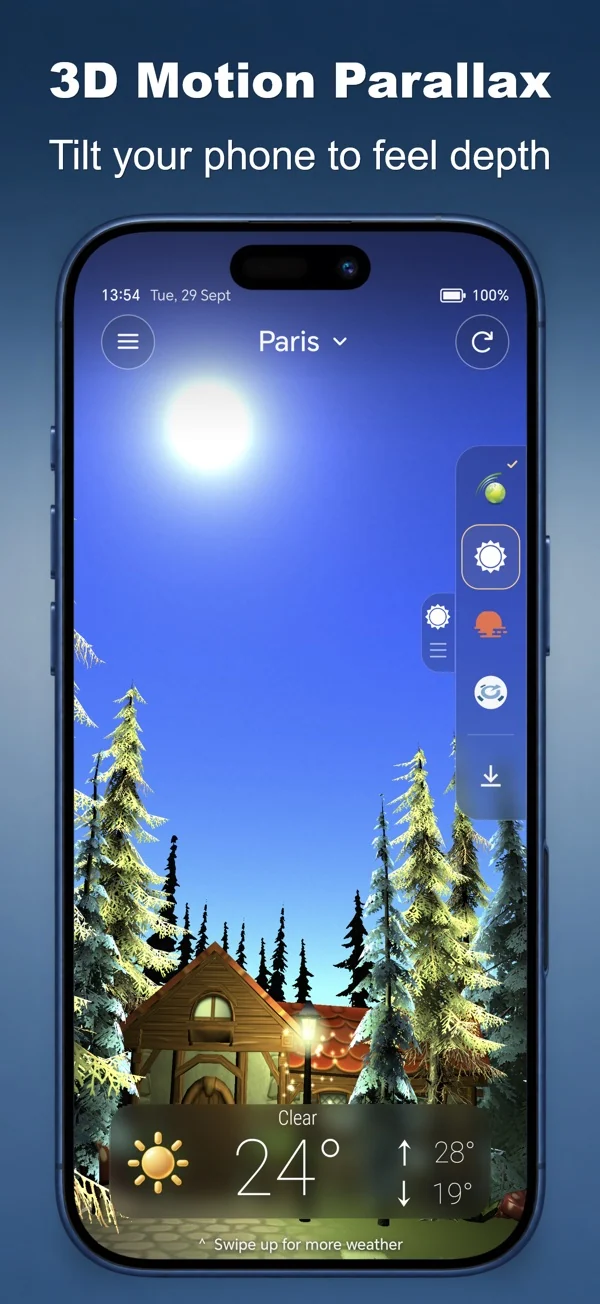
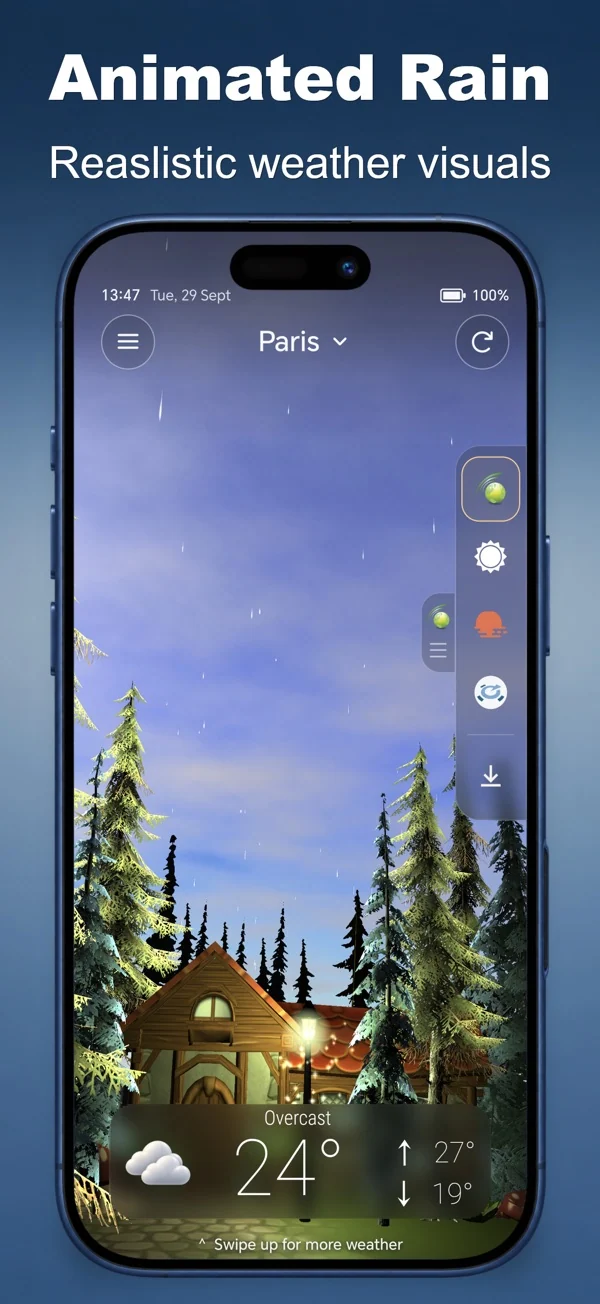
Living weather scenes, sound and everyday forecasts.
iPhone & AndroidDiscover the app