A clear first glance
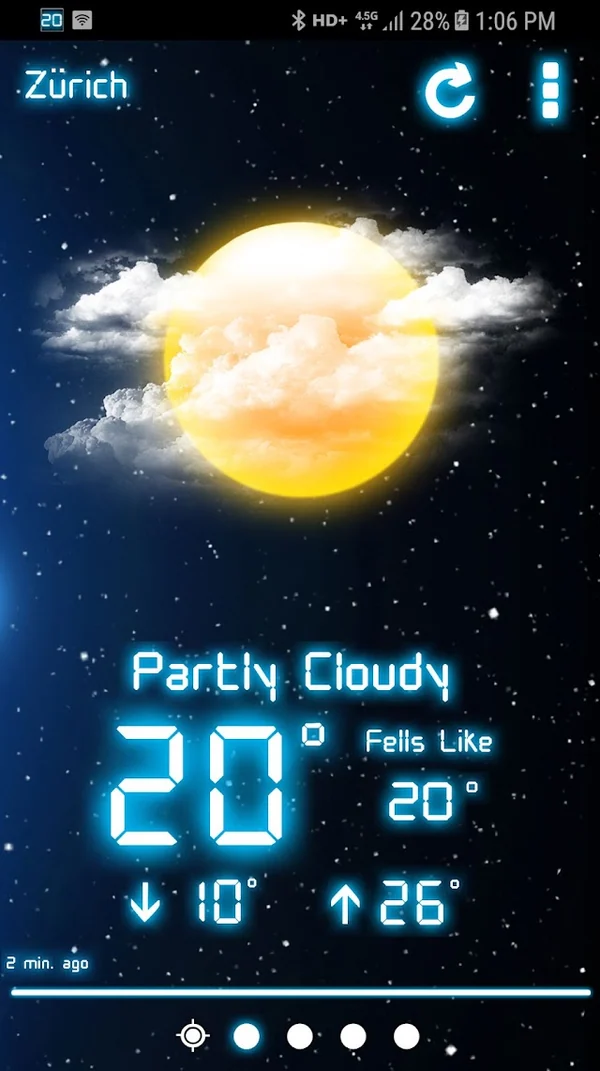
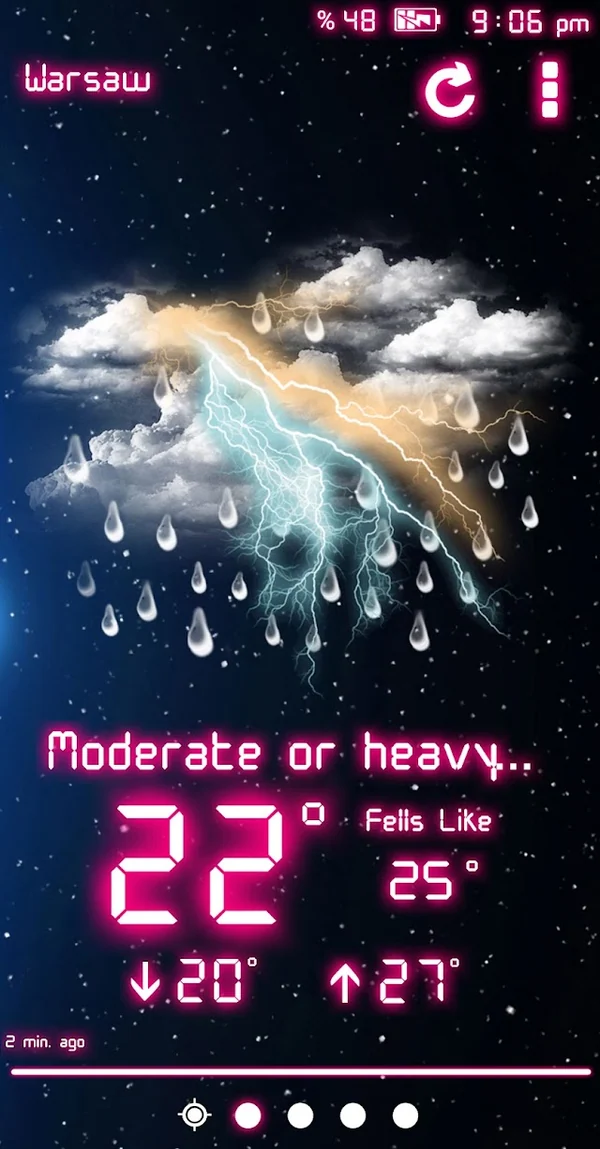
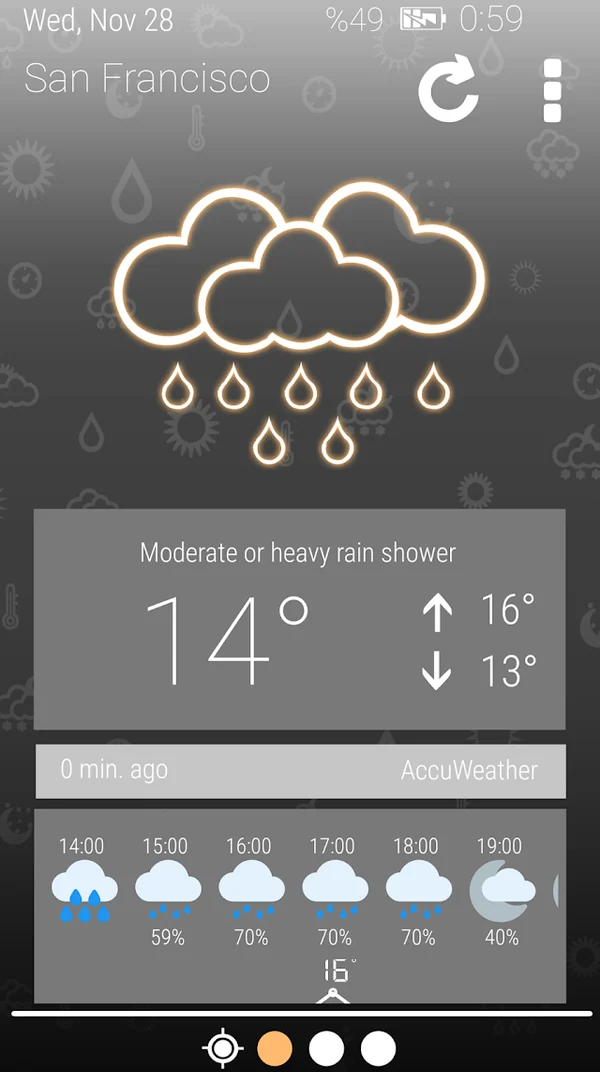
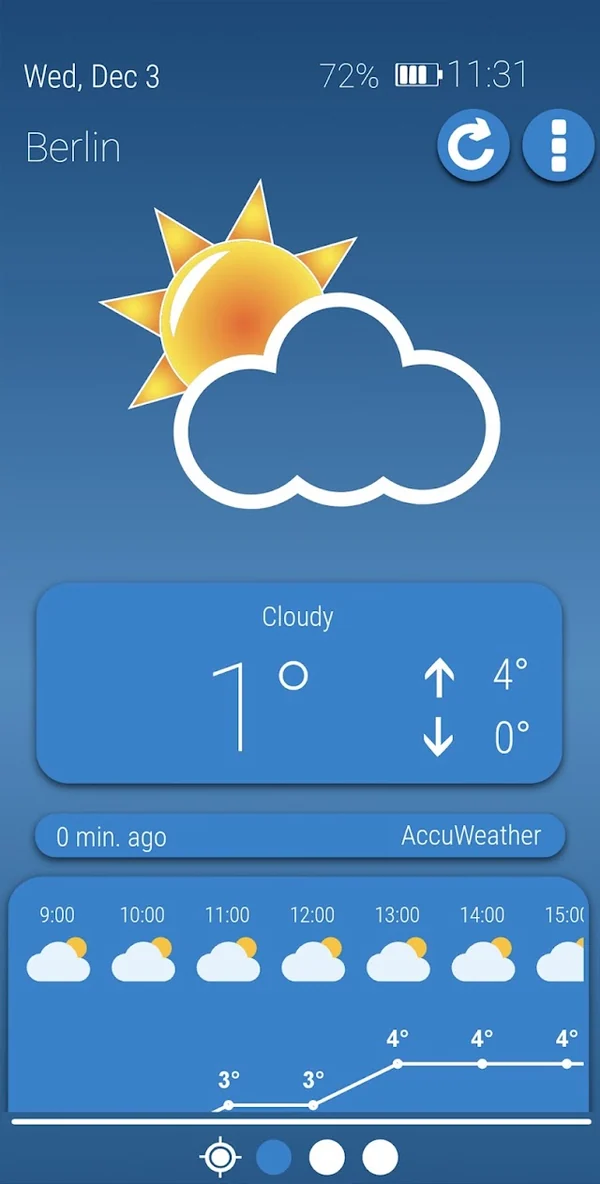
Readable weather icons and an uncluttered layout put current conditions up front.
Clear views. Room to breathe.
The weather, clear and simple
Meet your next weather app
A breath of fresh air.
Every time you look.
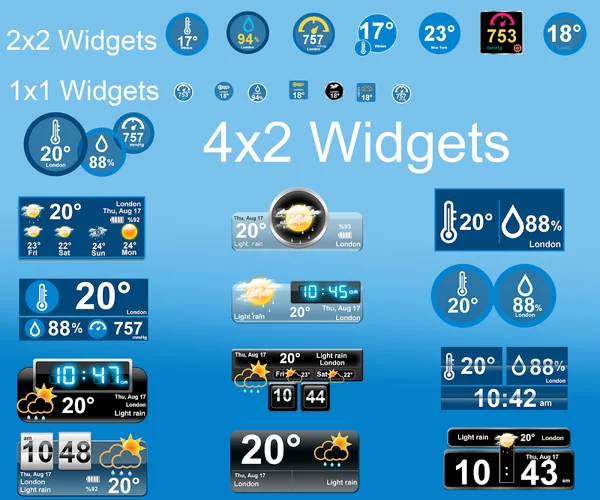
An airy blue weather experience, with hourly forecasts, saved locations and customizable clock and weather widgets for Android.

Meet Weather Sky Blue
An airy weather interface, familiar clock views and the details you need for the day ahead.
Google Play screenshots for Android. Swipe or use the arrows to explore; select an image to enlarge. Appearance and options can vary by version.
The Android edition
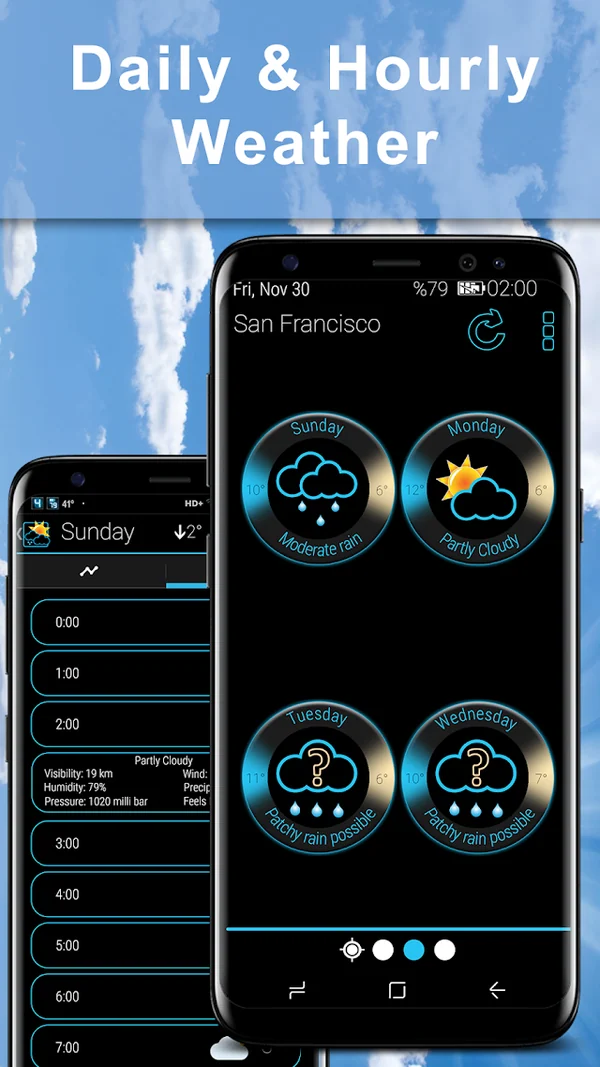
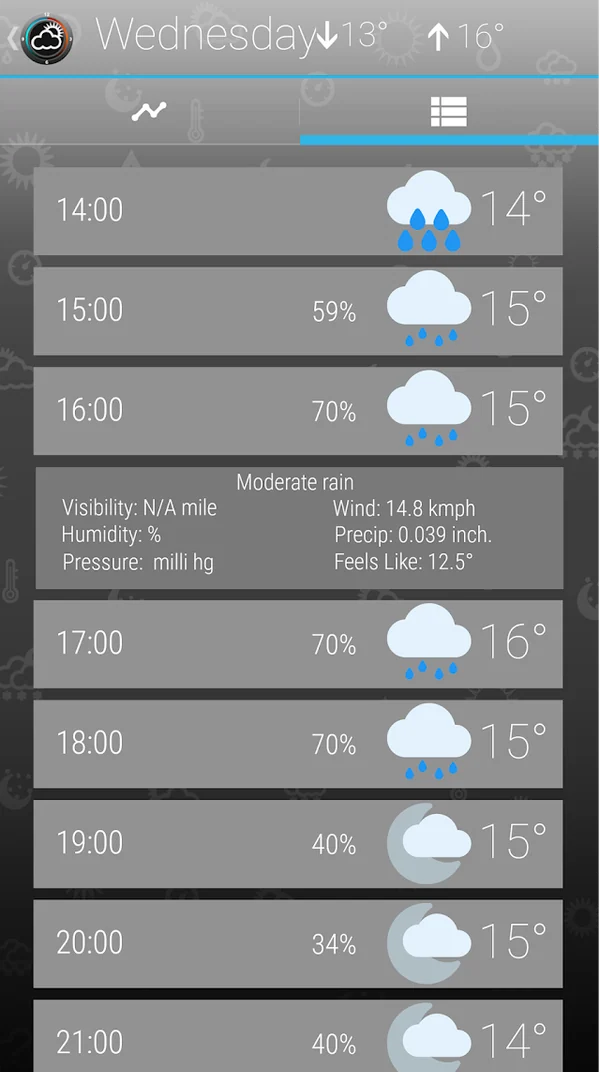
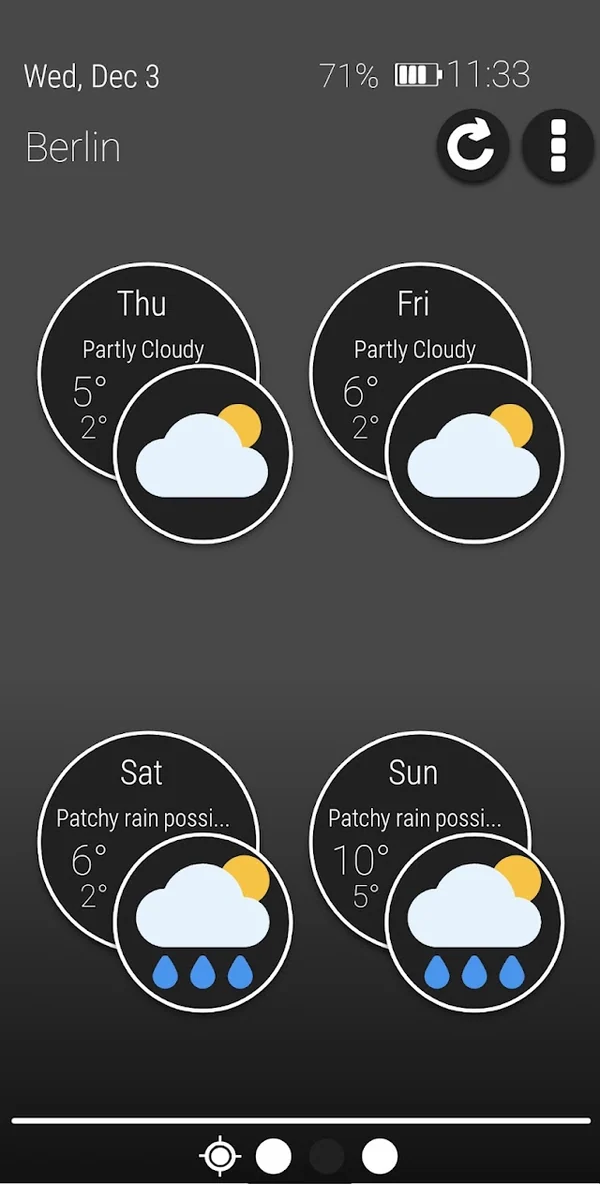
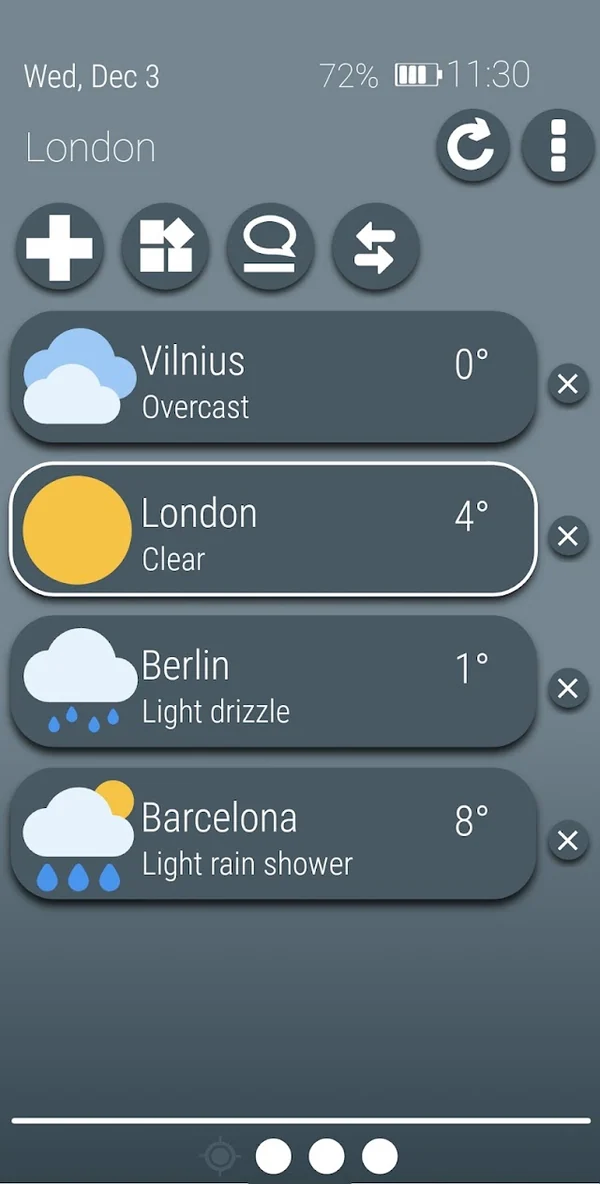
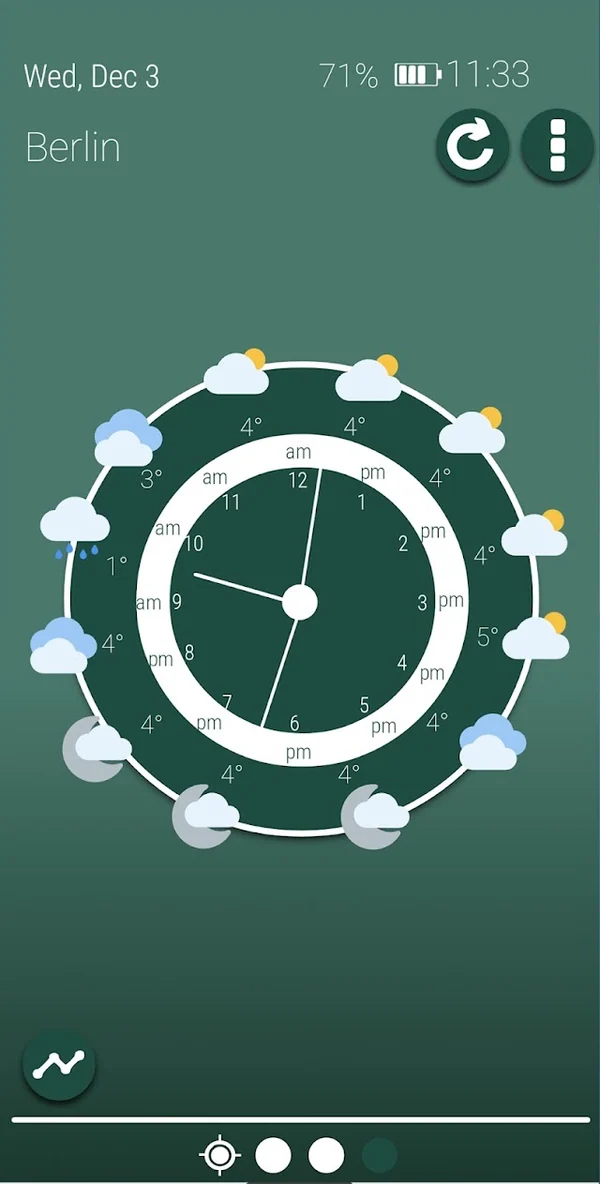
Check current conditions, explore hourly and daily forecasts, and keep your favorite locations together in a colorful interface.
Readable weather icons and an uncluttered layout put current conditions up front.
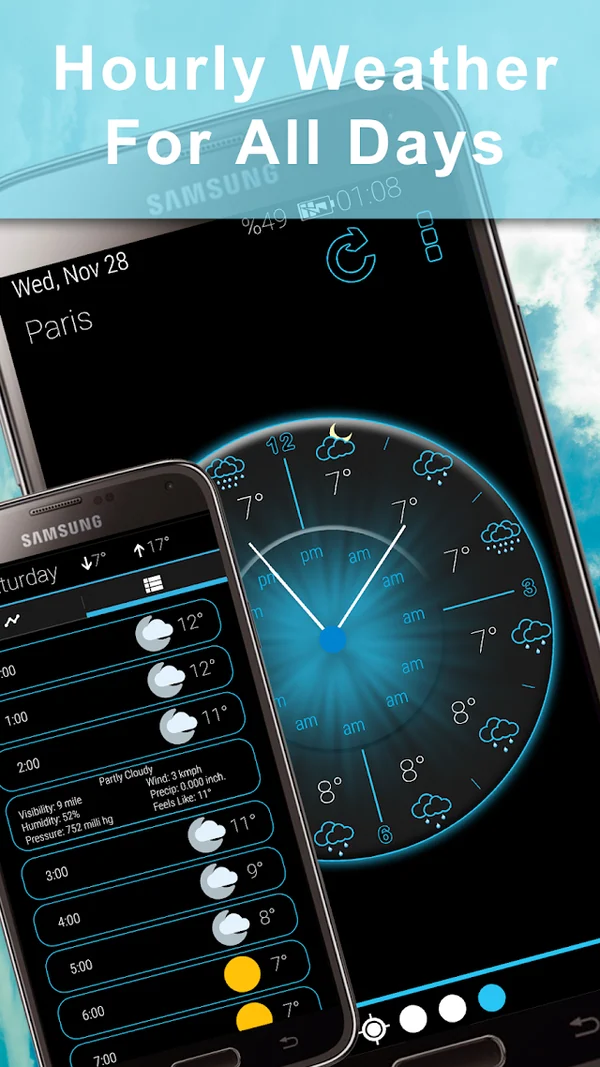
Move between the weather clock and forecast views to see what is coming next.
Save locations and personalize clock widgets, weather widgets and notifications.
Before you download
Use the Google Play badge on this page to open the official Android listing for Weather Sky Blue, published by MobileRise.
Install and open the Android app, then use your phone's home-screen widget picker to find it. Available widget styles and resizing depend on the app version and your launcher. Follow the Android weather widget guide.
Start by opening the app to compare the location and forecast, then review connectivity and app background settings. Work through the widget troubleshooting guide.
Make the most of your forecast
Choose a home-screen view, get a widget working again, or understand why forecasts differ.
A world by MobileRise
Different looks. Different ways to make the forecast part of your day.
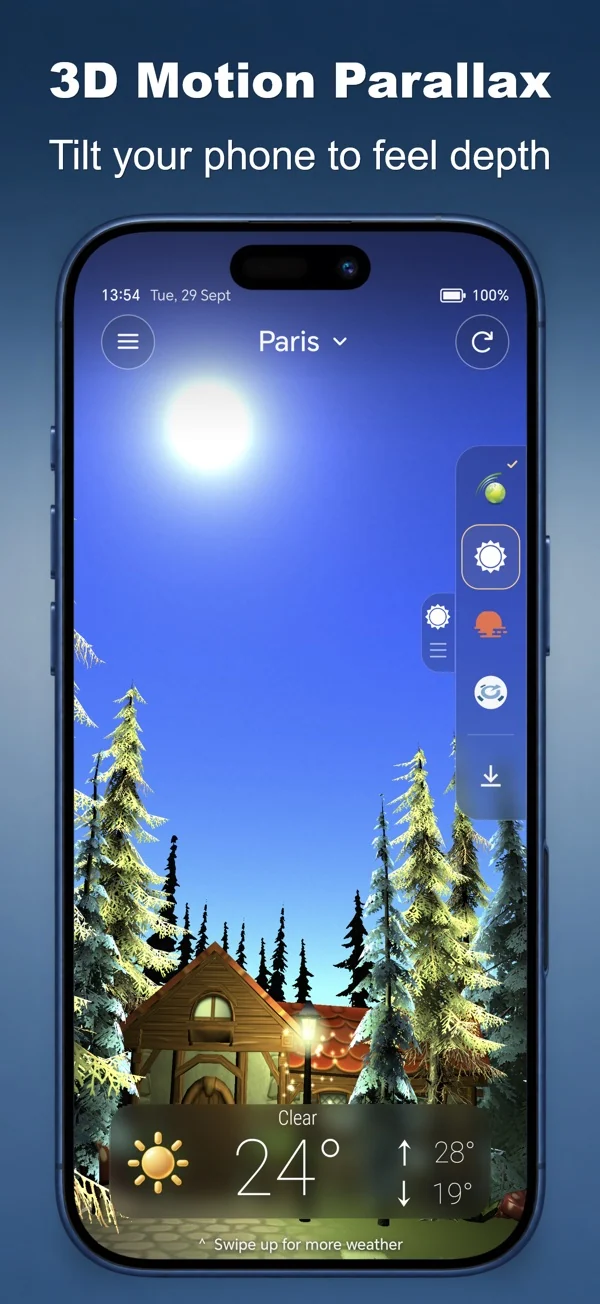
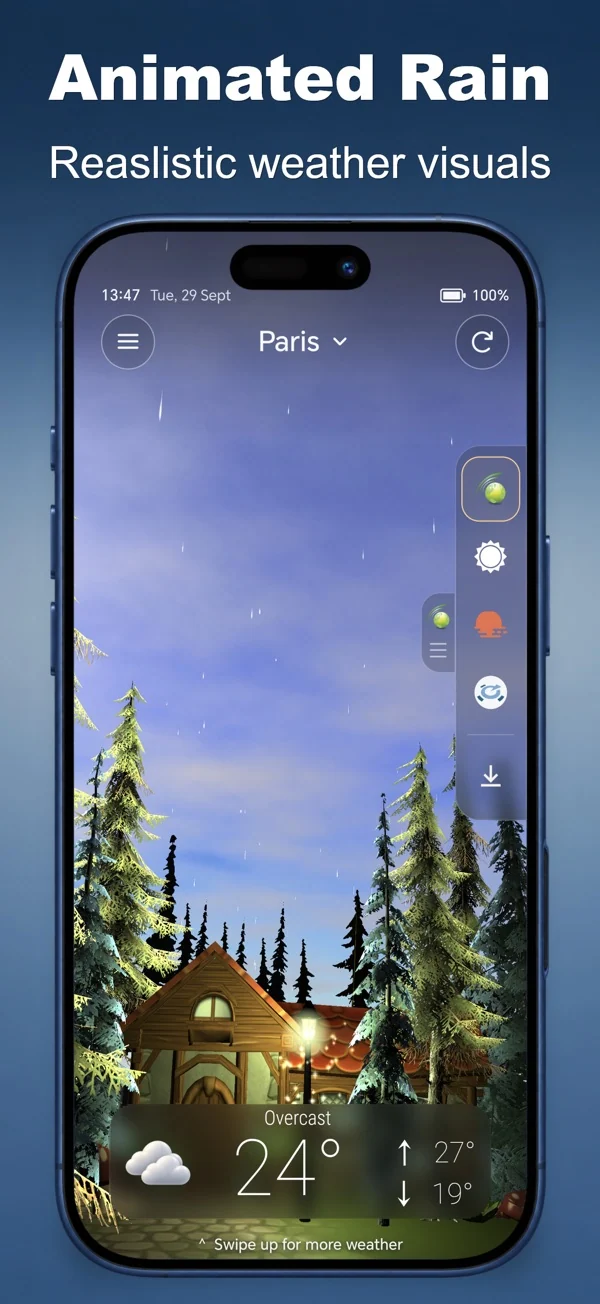
Living weather scenes, sound and everyday forecasts.
iPhone & AndroidDiscover the app